Microsoft Excel Module 4 - Advanced Formulas and Functions
Learn advanced Excel formulas and functions to manipulate, transform and analyse data more efficiently. This hands-on Module 4 course helps experienced Excel users work confidently with lookup, logic, text, date and rounding functions to save time and reduce errors.
In this course, you will learn how to:
- Use text, date and rounding functions to clean, format and calculate data accurately
- Cross-reference data using LOOKUP functions, XLOOKUP, VLOOKUP, HLOOKUP, INDEX and MATCH
- Build IF statements, nested formulas and logical tests using AND and OR
- Calculate values based on criteria using SUMIF/SUMIFS, COUNTIF/COUNTIFS and AVERAGEIF/AVERAGEIFS
- Test cell values and handle errors using IS functions and IFERROR
Who is this course for?
Experienced Excel users who are confident creating and using spreadsheets and can already build simple formulas. Ideal for analysts, managers and professionals who regularly work with reports, lists and large datasets.
Enquire Now
Are complex spreadsheets becoming difficult to manage?
As spreadsheets grow, formulas often become harder to understand, maintain and troubleshoot. This can increase errors, reduce confidence and make reporting slower than it needs to be.
Excel Module 4 develops advanced formula skills that help delegates manipulate data more effectively, automate calculations and build more reliable spreadsheets.
The result is more accurate reporting, fewer manual workarounds and greater confidence in business-critical data.
Frequently Asked Questions
What does the Excel Module 4 – Advanced Formulas & Functions course cover?
Who is the Excel Module 4 training course for?
Is this an advanced Excel course online or in person?
Will I get hands-on practice with advanced Excel functions?
Do you provide support after the advanced Excel training?
How do I book Excel Module 4 – Advanced Formulas & Functions?
Course Outline

Course overview
Duration: 1 day (6.5 hours)
Our Excel Module 4 – Advanced Formulas and Functions course looks at some of the more advanced functions of Excel that can be used to manipulate and extract data.
This is an intensive one-day course and designed for experienced users of Excel. Participants should be confident in creating and using Excel and be able to build simple formula before attending.

Objectives
By the end of the course you will be able to:
- Use a range of Text functions
- Create and use different date functions
- Cross reference data from other worksheets using LOOKUP, INDEX and MATCH functions
- Use logical statements
- Build nested formula
- Use SUMIF, COUNTIF and AVERAGEIF
- Use IS functions and IFERROR to test cell values
- Work with rounding functions

Content
Working with text
- Splitting text into multiple cells
- Merging data into one cell
- Extracting data using text functions
- Tidying data
Working with dates
- Formatting dates
- Date functions
- Calculating date differences
Using Lookup functions
- Lookup functions
- Creating a lookup table
- Range naming
- Using XLOOKUP
- VLOOKUP and HLOOKUP
Advanced lookups
- Using INDEX and MATCH
Working with logical functions
- Creating an IF statement
- Using the AND plus OR functions
- Nesting functions
Calculating values based on given criteria
- SUMIF(S)
- COUNTIF(S)
- AVERAGEIF(S)
Using IS functions and IFERROR to test cell values
- ISBLANK
- ISNUMBER
- ISTEXT
- ISERROR
- IFERROR
Using functions to round numbers up and down
- ROUND
- ROUNDUP
- ROUNDDOWN
- CEILING
- FLOOR
Why Choose Underscore for Corporate Excel Training?
Underscore Group delivers practical, instructor-led Excel training for businesses, administrators, analysts and finance teams across the UK. Based in Sussex and working nationally, we specialise in helping people build real confidence with Excel at every level - from core skills to advanced reporting.
We provide virtual and onsite Excel training for teams, tailored to your organisation’s data, workflows and learning needs. Our Excel courses are used by organisations in sectors including finance, aviation, healthcare, construction and professional services.

- Trusted by leading UK organisations
- Expert trainers with real business experience
- Small-group sessions (6–8 people)
- Practical, hands-on learning approach
- Virtual & onsite delivery across the UK
- Six months of post-course support
Get in Touch

Still have questions about this course?
Click Enquire Now and our team will share full details on content, dates, and pricing — and help you decide if it’s the right fit for you or your organisation.
Enquire NowLooking for training in a different area?
Browse all our Corporate Training Courses across Leadership, Project Management and Microsoft 365.
Browse All Courses →Related Courses
Excel Module 2 – Data Analysis and Pivot Tables
Expand your Excel knowledge and learn how to structure and analyse large data sets.
Excel Advanced Statistical Analysis
Use some of the hidden statistical analysis tools within Excel to build complex data models.
Excel Power Tools – Combine, Transform and Analyse Data
Learn how to work with and connect multiple data sets to effectively analyse and report on data.

Additional Insights
Continue your learning with tools, related articles, case studies, and podcast episodes that explore how these skills are applied in real-world contexts.
Explore More Training Options
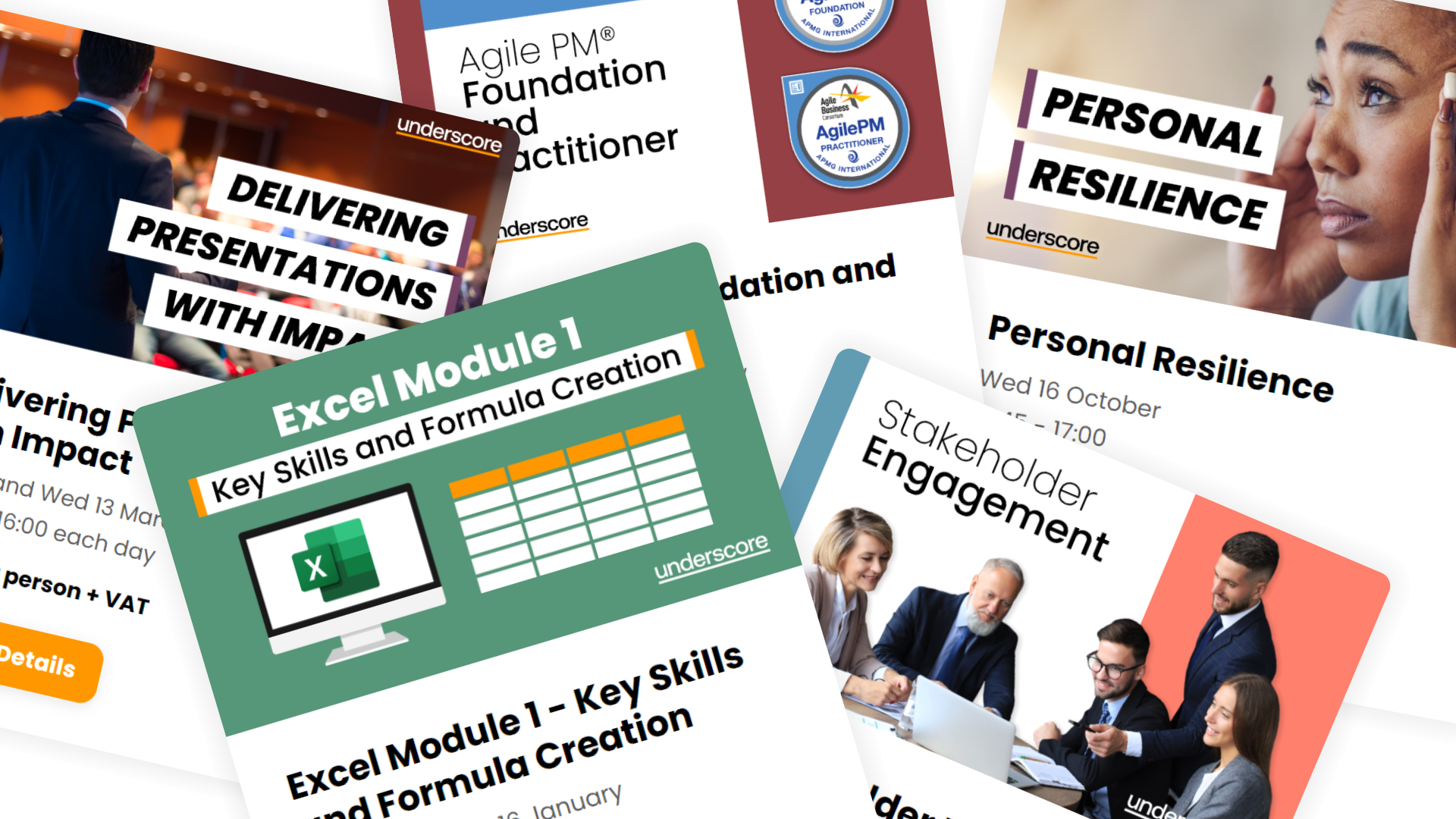
Public Training Programme
Explore our current selection of public courses, available as convenient and cost-effective virtual sessions.
Engage with expert instructors and a diverse peer group in an interactive, online learning environment.
Ideal for those valuing flexibility and affordability, our public courses are ideal where you only have small numbers requiring training and offer training from the comfort of your home or office.
Check Public DatesFull Training Catalogue
We deliver a wide range of training across Leadership, Personal Development, Project Management, and IT applications. Many organisations choose us because they can source both technical and people-focused training from one trusted provider.
Courses can be tailored to your organisation’s needs, making it easier to upskill teams consistently across different areas. Whether you want to build management capability, strengthen project delivery, or boost everyday software skills, you’ll find relevant options in our catalogue.