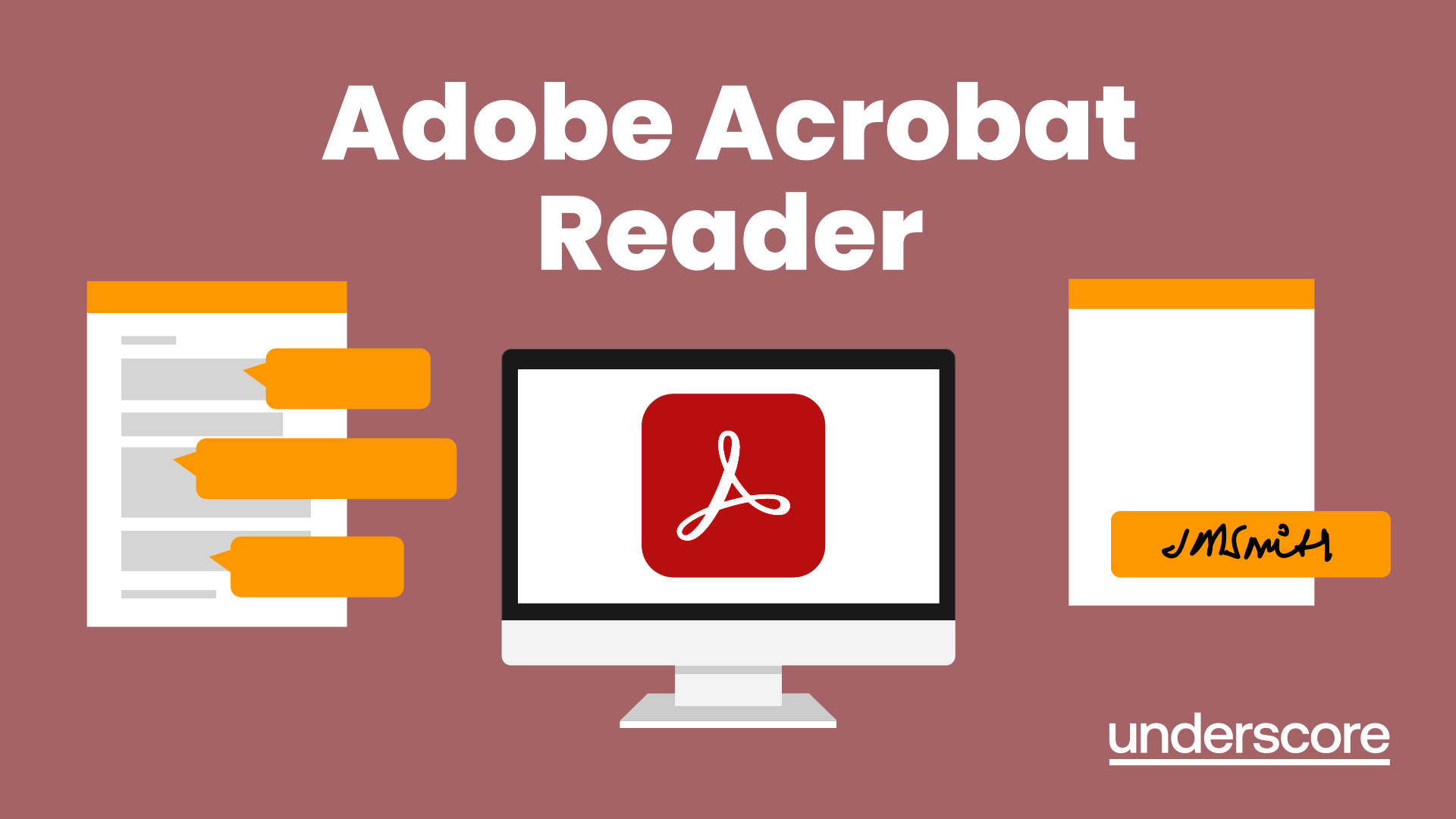
Adobe Acrobat Reader
Learn how to review, comment on, sign and mark up PDF documents using Adobe Acrobat Reader. This practical course shows you how to work more efficiently with PDFs using the free Reader tools.
In this course, you will learn how to:
- Create PDFs from Word, Excel and PowerPoint
- Navigate and view PDF documents efficiently
- Complete and sign PDF forms
- Add comments, highlights and mark-ups to PDFs
- Use notes, stamps and annotations for collaboration
- Share feedback clearly without editing original files
Who is this course for?
Anyone who regularly reviews, shares or approves PDF documents. Ideal for administrators, coordinators, project teams and office-based staff who need to comment on, sign or mark up documents as part of everyday work.
Enquire Now
Are you printing documents just so you can review them?
Many people don't realise that Adobe Acrobat Reader includes tools for commenting, marking up and signing PDF documents electronically, making collaboration much quicker and reducing unnecessary printing.
This course helps delegates use Acrobat Reader more effectively to review, comment on and approve PDF documents as part of everyday work.
The result is quicker reviews, clearer feedback and more efficient document collaboration.
Frequently Asked Questions
What does the Adobe Acrobat Reader course cover?
Who should attend this course?
How is this course different from Adobe Standard and Professional training?
What practical skills will I gain?
How is the training delivered?
What are the main benefits of learning Adobe Acrobat Reader?
Course Outline

Course overview
Duration: 2 hours
This Adobe Acrobat Reader course looks at the features of the Acrobat Reader tool.
Learn how to create PDF and what options you have, complete and sign and mark up PDFs.

Objectives
By the end of the course you will be able to:
- Create PDFs from other tools
- Complete and sign documents
- Mark up PDF documents

Content
Creating PDFs
- Building PDF documents from Word, Excel and PowerPoint
Working in Acrobat
- Home, Tools and Document Views
- Using the Navigation Panel and Pane
- Floating toolbar and Contextual menus
Completing and signing documents
- Using fill and sign to complete forms
- Adding signatures
Marking up documents
- Marking up changes
- Using sticky notes
- Using the highlighter pen
- Adding stamps
- Attaching documents and audio
Why Choose Underscore for Adobe Acrobat Reader Training?
Underscore Group delivers practical, instructor-led digital skills training that helps teams use everyday workplace tools with confidence and accuracy. Based in Sussex and supporting organisations across the UK, we specialise in hands-on learning that improves productivity and makes complex software feel simpler and more intuitive - including Adobe Acrobat Reader.
We tailor every session to your organisation’s systems, workflows and document standards, ensuring people can apply what they learn immediately. Our corporate software training is trusted by organisations across finance, aviation, healthcare, construction and professional services.
- Trusted by leading UK organisations
- Expert trainers with real business experience
- Small-group sessions (6–8 people)
- Practical, hands-on learning approach
- Virtual & onsite delivery across the UK
- Six months of post-course support
Looking for training in a different area?
Browse all our Corporate Training Courses across Leadership, Project Management and Microsoft 365.
Browse All Courses →Get in Touch

Still have questions about this course?
Click Enquire Now and our team will share full details on content, dates, and pricing — and help you decide if it’s the right fit for you or your organisation.
Enquire NowRelated Courses
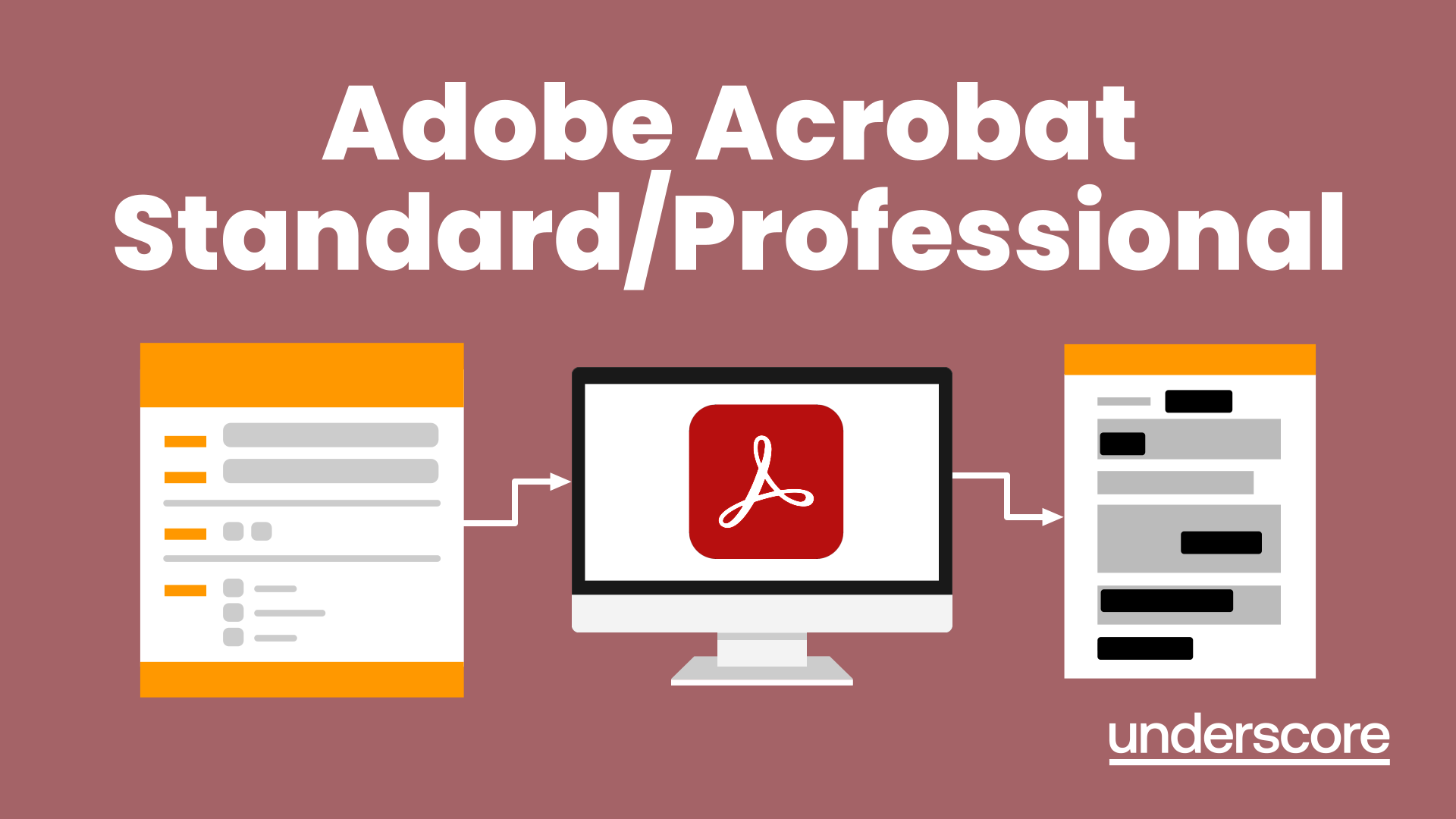
Adobe Acrobat Standard/Professional
Discover the amazing features this tool has to offer in combining, collating and editing documents and the forms, markups and redaction techniques available.
Word Document Production
Part 1
Learn all the quick tips and tricks you didn’t know about in Word and how to properly setup new documents.
Adobe Photoshop Introduction
Discover the essential tools and techniques of Adobe Photoshop to create, edit, and enhance images with precision and creativity.
Explore More Training Options
Public Training Programme
Explore our current selection of public courses, available as convenient and cost-effective virtual sessions.
Engage with expert instructors and a diverse peer group in an interactive, online learning environment.
Ideal for those valuing flexibility and affordability, our public courses are ideal where you only have small numbers requiring training and offer training from the comfort of your home or office.
Check Public DatesFull Training Catalogue
We deliver a wide range of training across Leadership, Personal Development, Project Management, and IT applications. Many organisations choose us because they can source both technical and people-focused training from one trusted provider.
Courses can be tailored to your organisation’s needs, making it easier to upskill teams consistently across different areas. Whether you want to build management capability, strengthen project delivery, or boost everyday software skills, you’ll find relevant options in our catalogue.